
GUI for the mapsf R library to create thematic maps interactively
mapsf.gui is a Shiny application and a RStudio addin
that provides an interactive interface for creating thematic
maps using the mapsf package.
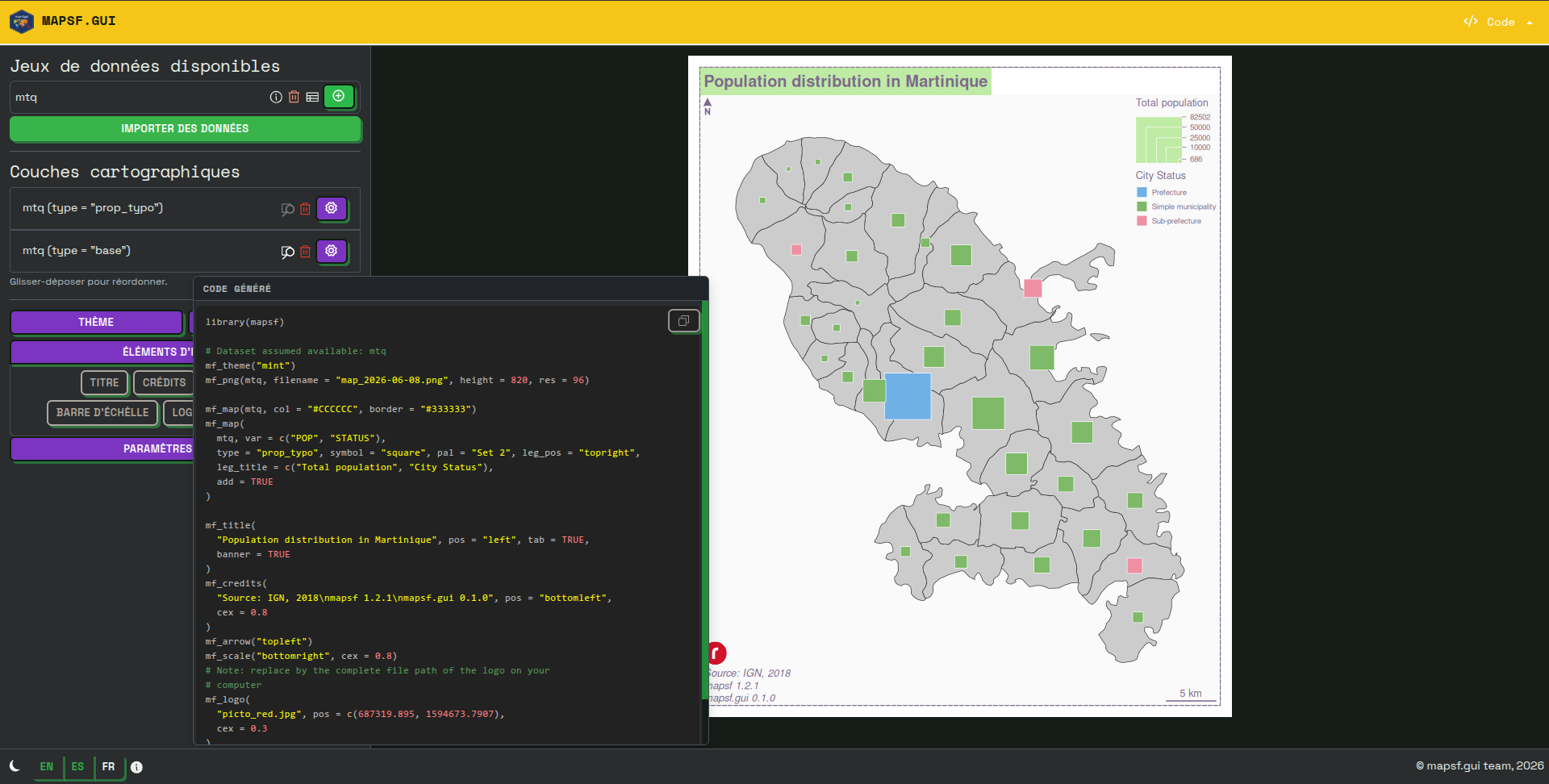
It allows users to choose and configure different types of maps such as
choropleth, proportional symbols or typology. It also
automatically generates the corresponding R code to reproduce
the map identically.
mapsf.mapsf.gui is useful for familiarizing yourself with
mapsf and learning about its main features. However, please
note that not all of mapsf’s features are available through
the GUI. You can consult the mapsf
documentation (as well as the various help panels in
mapsf.gui) to learn more about this.
Moreover, mapsf.gui is not intended to replace dedicated
thematic cartography software. If you’re not interested in learning
R/mapsf code or in reproducibility, we also develop Magrit: a Web-based thematic
cartography app that offers a comprehensive experience for learning or
teaching cartography itself.
You can install the stable version of mapsf.gui from
CRAN:
install.packages('mapsf.gui')Alternatively, you can install the development version of
mapsf.gui from riatelab’s R-universe
with:
install.packages("mapsf.gui", repos = c('https://riatelab.r-universe.dev', 'https://cloud.r-project.org'))You can also install mapsf.gui from its Git repository
using the following commands:
install.packages("remotes") # if you haven't already
remotes::install_git("https://codeberg.org/riatelab/mapsf.gui.git")To launch mapsf.gui, simply use the following command in
R:
mapsf.gui::run_app()This will open the application in your default Web browser (which is
recommended for the best experience). If you prefer, you can also open
it in a dialog or in a pane of your IDE (RStudio, Positron). This can be
controlled with the viewer argument and the
browser, dialog or pane
values:
mapsf.gui::run_app(viewer = "browser")If you’re using Positron and the app isn’t opening in your default
browser, we recommend adding
"positron.viewer.openLocalhostUrls": false to Positron’s
settings.json file (you can access it by pressing
CTRL + P and typing settings in the
search bar that appears).
If you are using RStudio, you can also access mapsf.gui
as an addin from the “Addins” menu.
If you want to use some datasets already loaded in your R
environment, you can launch the app with the data
argument:
library(sf)

ne <- st_transform(st_read("/path/to/file.geojson"), crs = 2154)
mun <- st_transform(st_read("/path/to/another-file.shp"), crs = 2154)

mapsf.gui::run_app(data = list(neighborhoods = ne, municipalities = mun))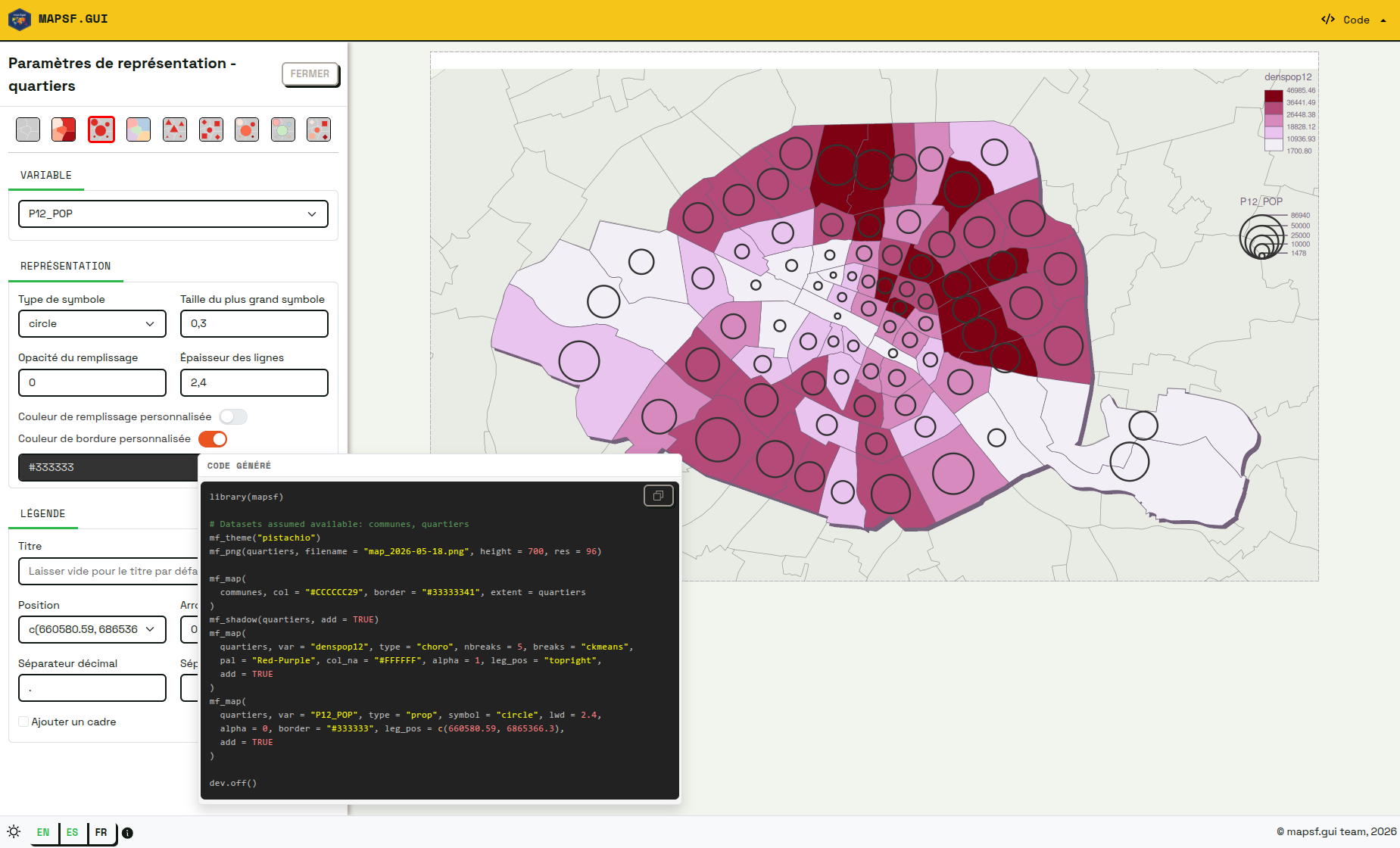
One can contribute to the package through pull requests and report issues or ask questions here. See the CONTRIBUTING.md file for detailed instructions on how to contribute.
Note that this project uses semantic versioning.
GPL-3.0 License. See the LICENSE file for details.